3 months
GBP 25.00 GBP 0.28 per day- Live TV, sport, VOD and EPG support
- Works with compatible IPTV apps
- Optional adult-channel add-on available
 IPTV Fiesta
Get IPTV Fiesta
IPTV Fiesta
Get IPTV Fiesta
Watch live TV channels, UK and international sport, films, series and VOD on Smart TV, Fire Stick, Android TV, iPhone, tablet, laptop and compatible IPTV apps. IPTV Fiesta keeps the path simple: choose a plan, open WhatsApp, receive setup guidance and keep support close when you need help.
Quality matters more than a cheap-looking checkout. The 12-month IPTV Fiesta plan is GBP 59.00, about 16p per day.
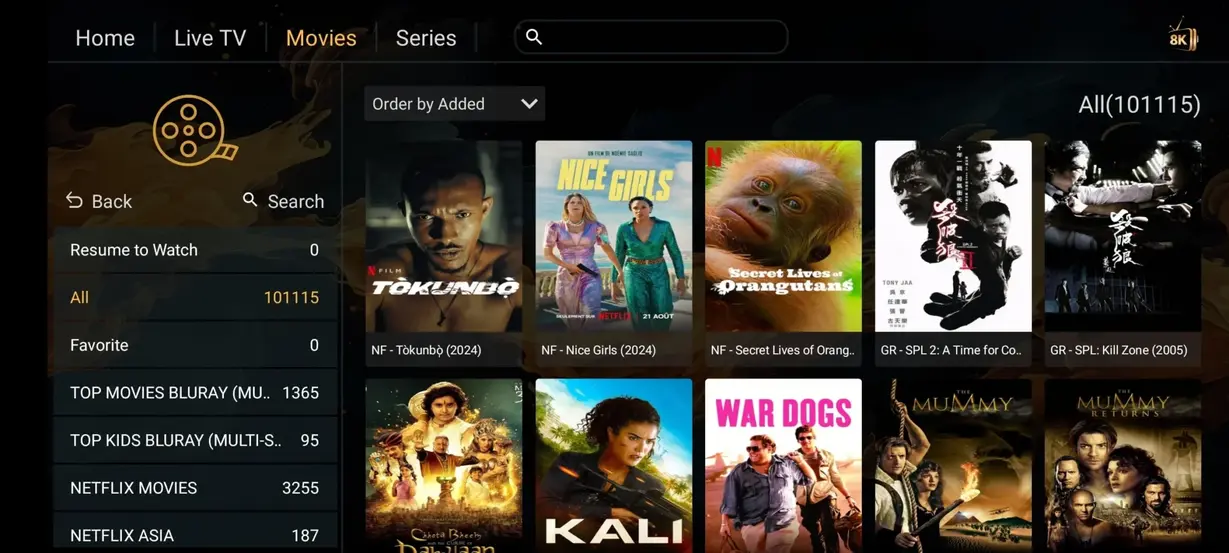
Movies
Browse a broad on-demand mix for quiet weeknights, family viewing and film weekends alongside live IPTV Fiesta channels.










Sport
Keep football, motorsport, combat events and international competitions organised inside a compatible IPTV app.











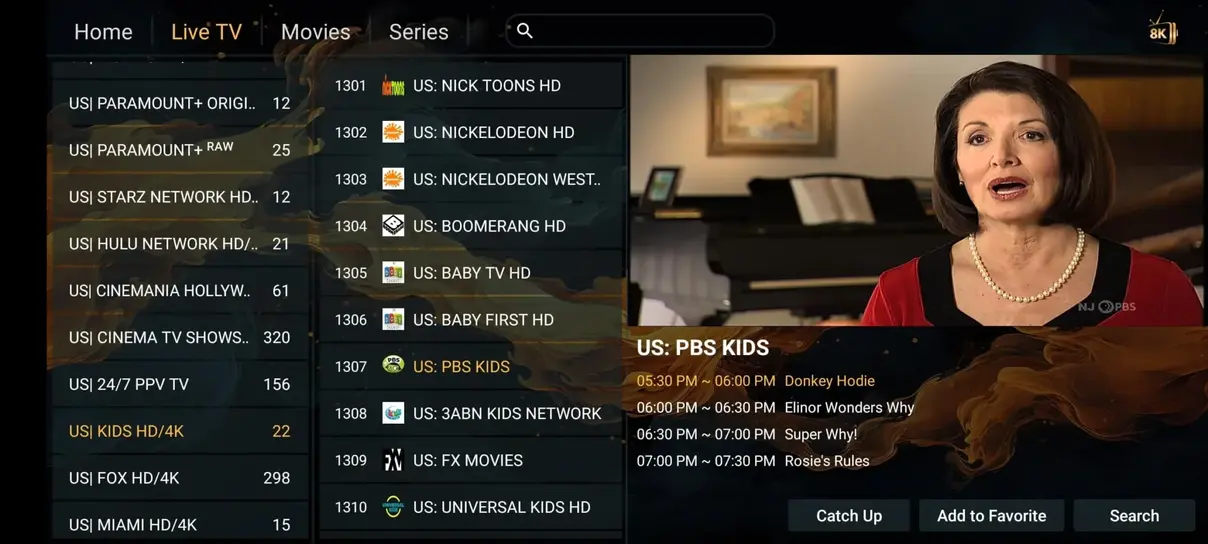
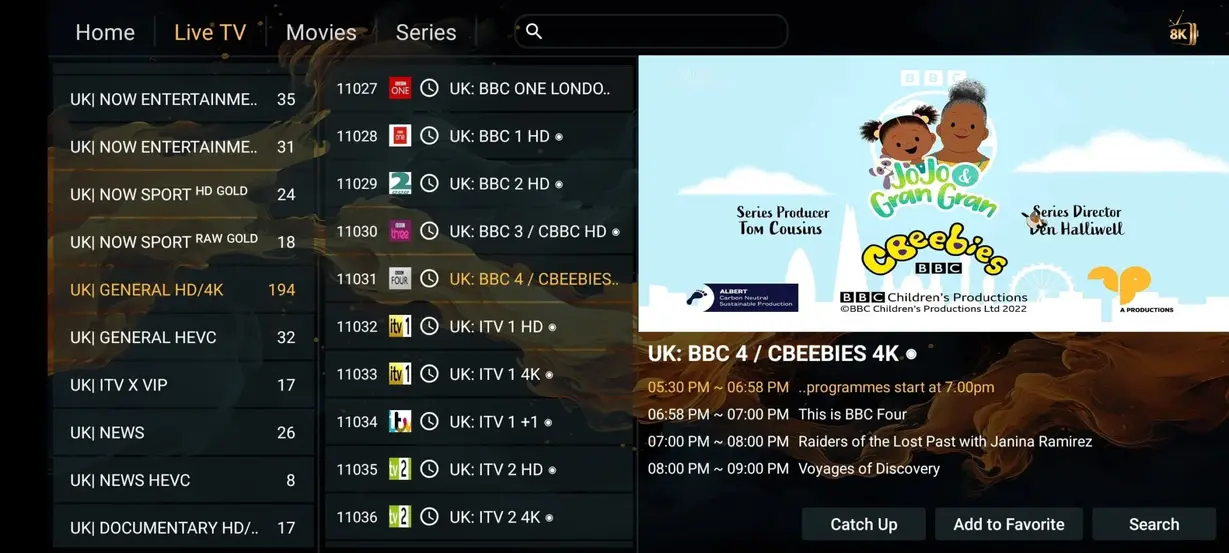
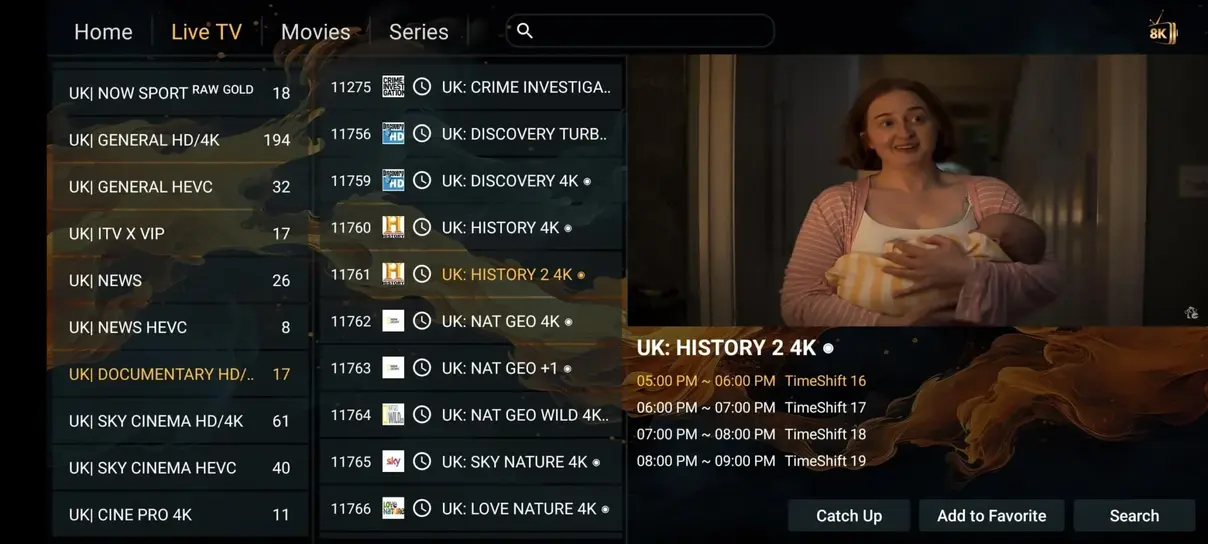
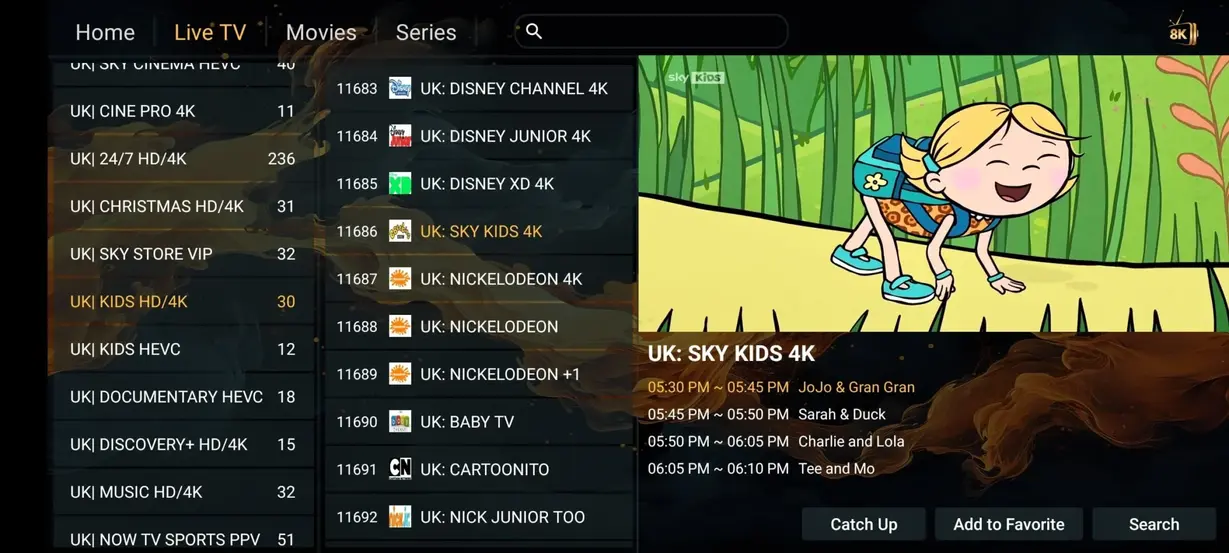
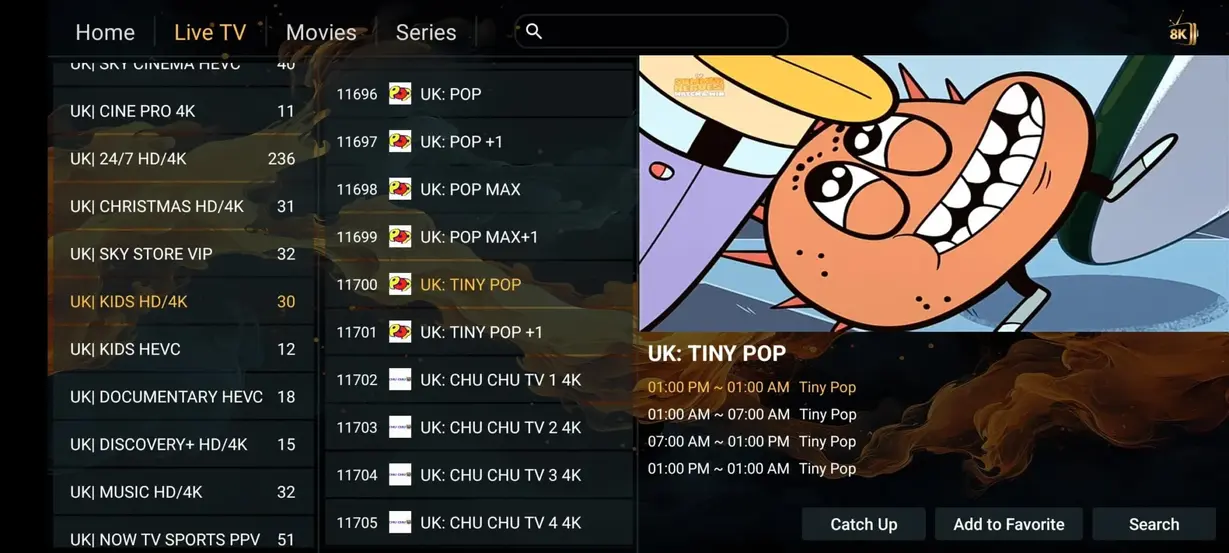
Preview Images
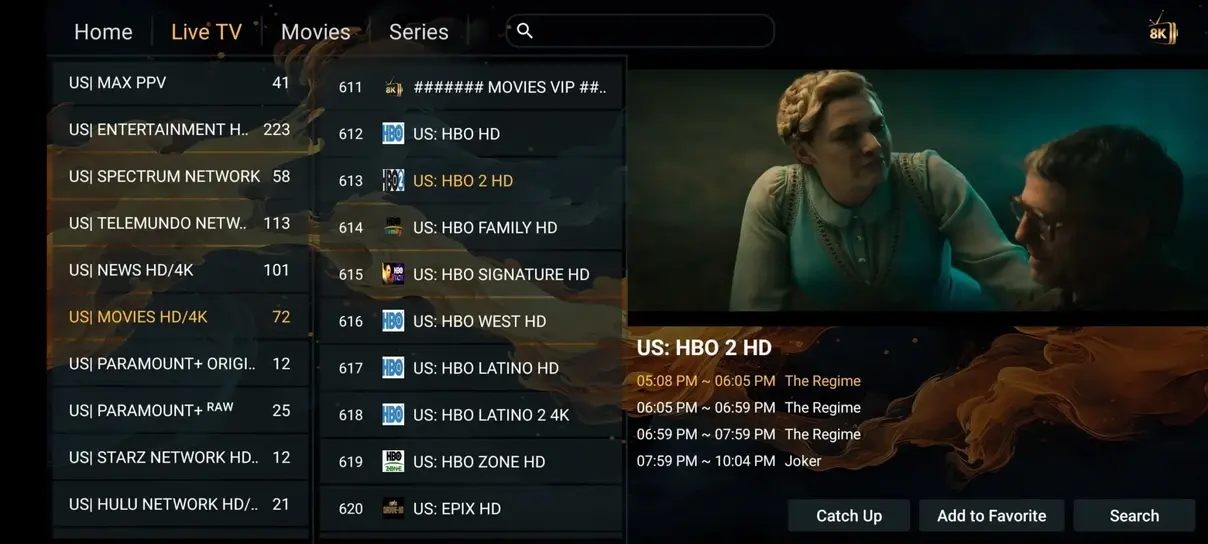
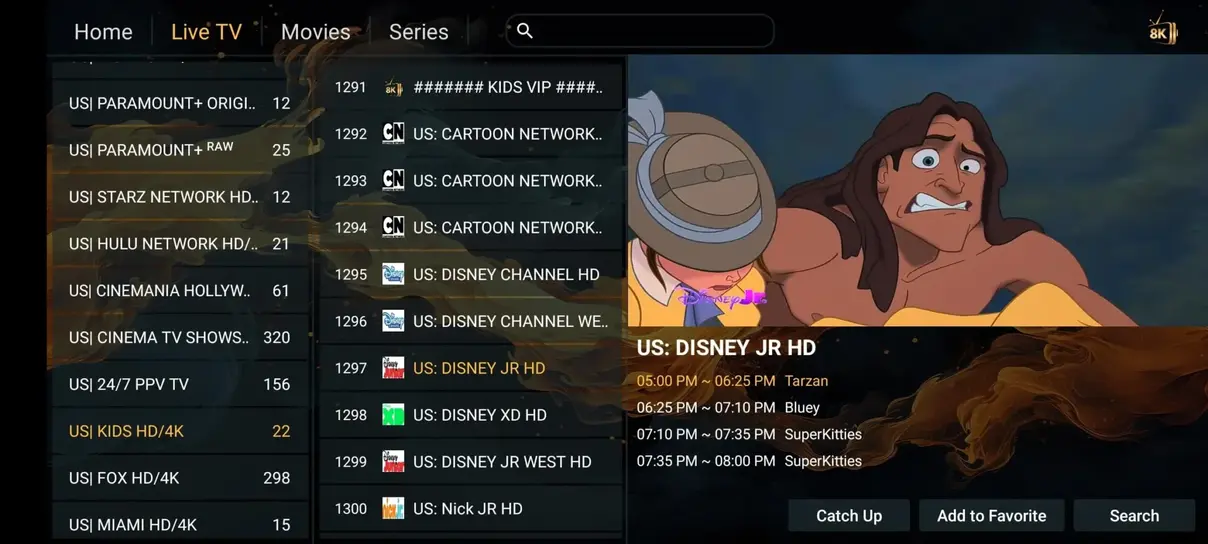
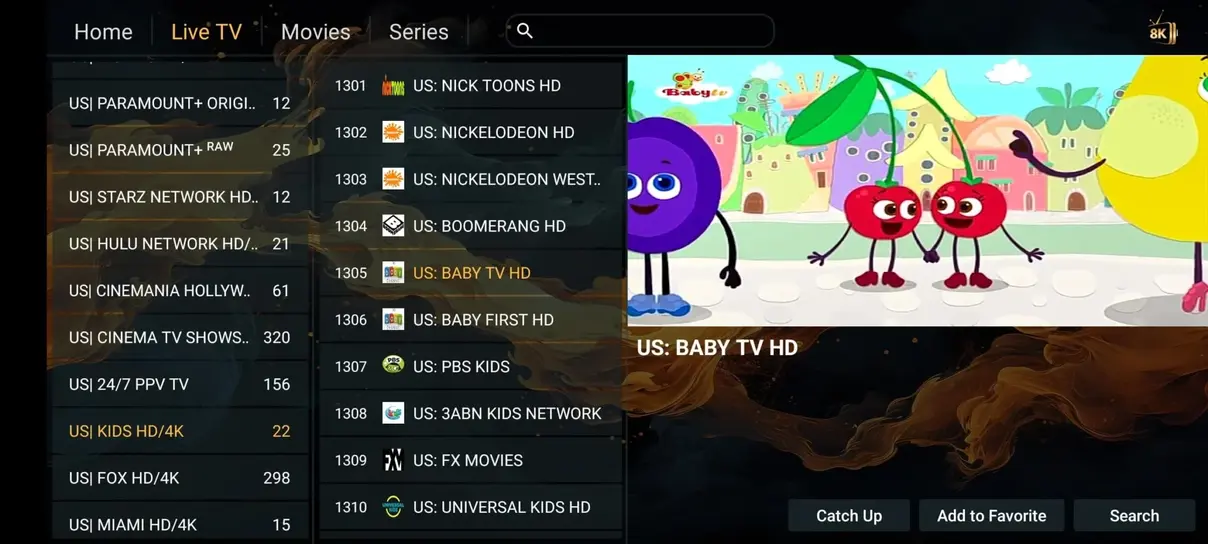
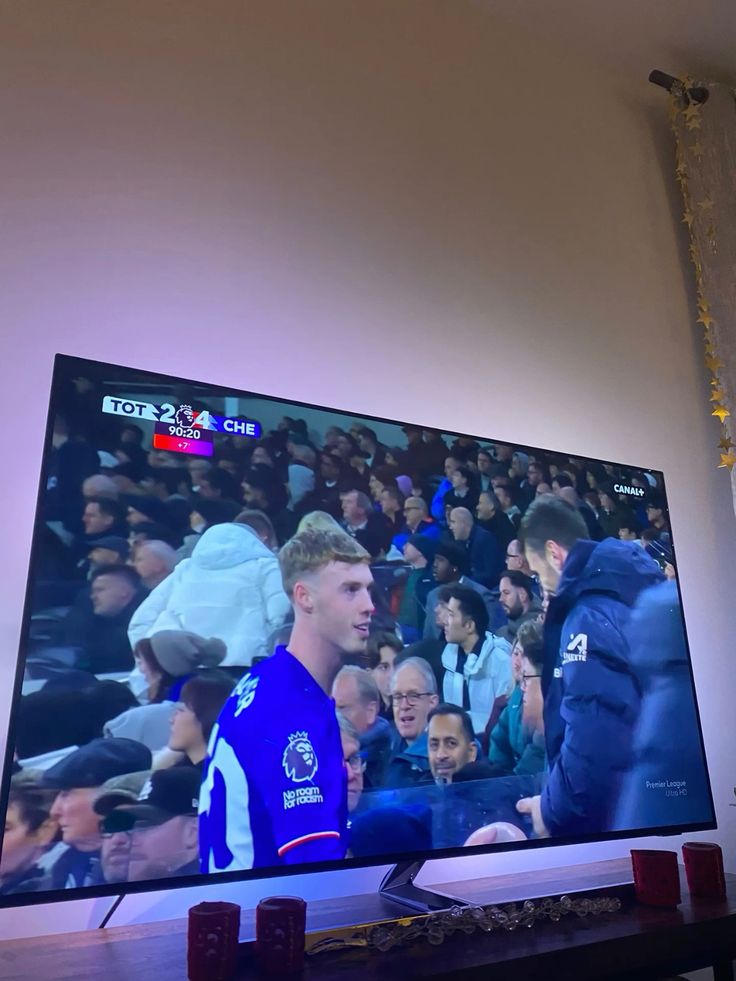
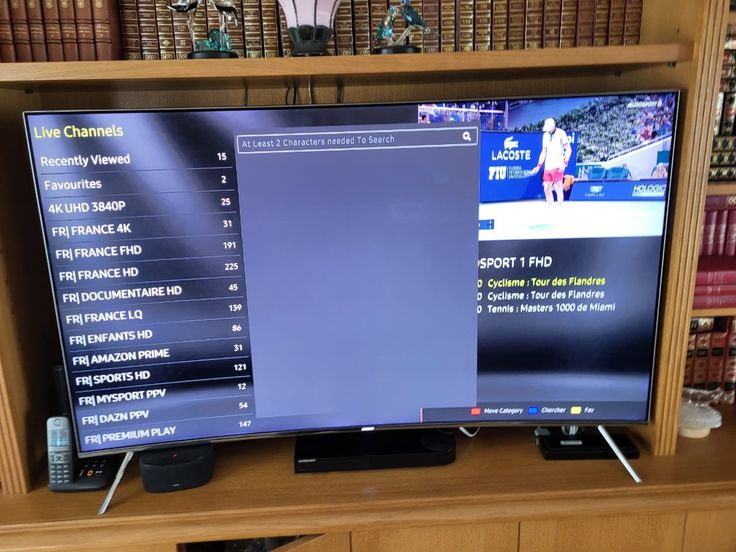
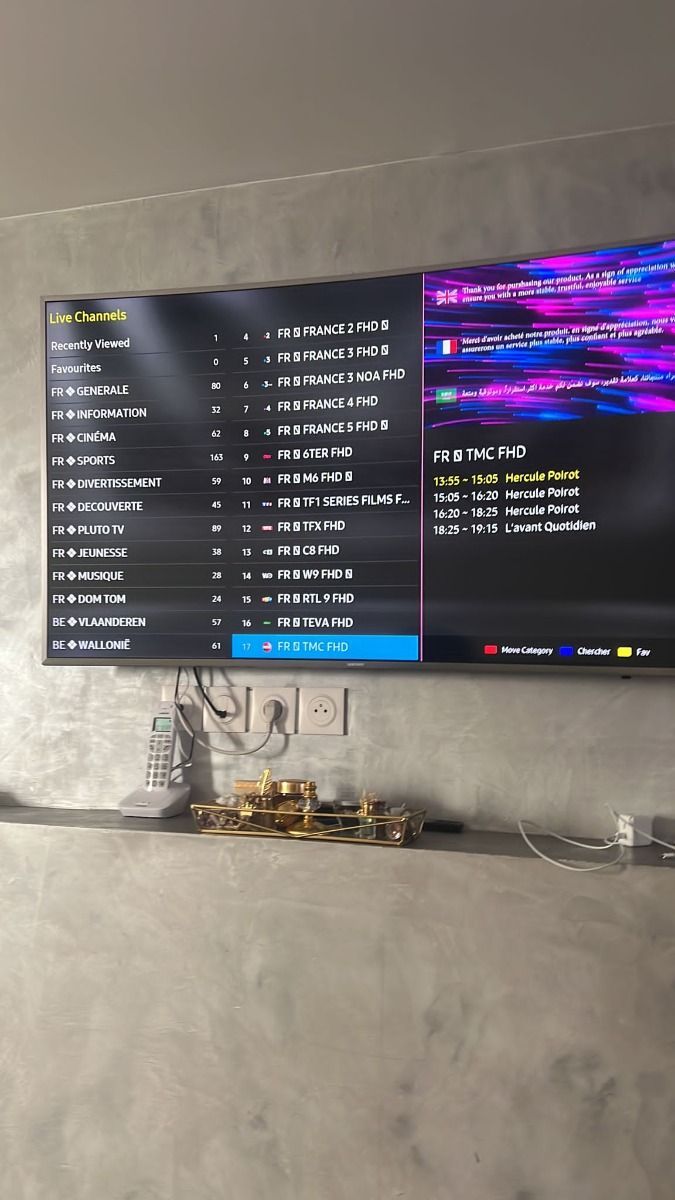
See local interface and content previews that illustrate how categories and programmes can appear on supported devices.
Compare options
This practical comparison uses the active IPTV Fiesta annual price. Cable and satellite services vary by provider, location, contract and selected extras.
| Feature | IPTV Fiesta | Traditional cable or satellite |
|---|---|---|
| Annual Cost | GBP 59/year | Often higher; varies by package |
| Live Channels | 35,000+ international entries | Package-dependent |
| Movies & Series | 179,000+ on-demand entries | Often separate or add-on libraries |
| Adult Channels | Included annually; optional on selected plans | Package-dependent |
| 24/7 Channels | Available in selected categories | Provider-dependent |
| Sports | Broad international categories | Often sold in premium bundles |
| No Contracts | Prepaid plan periods | Contracts are common |
| Watch Anywhere | Compatible internet-connected devices | Often limited by provider terms |
Pricing
Compare three popular subscriptions, then use the horizontal monthly option for a shorter commitment. Each order button prepares the correct WhatsApp message.

Multi-screen
Keep two compatible screens playing at the same time with the same core features as a single-screen plan.
Tell support how many simultaneous screens you need.
Contact UsSimple activation
A clear setup route gets your chosen screen ready without unnecessary account screens.
Choose a compatible player for your Smart TV, Fire TV, Android, Apple or computer device.
Add the private portal, username and password supplied after your order is confirmed.
Refresh channels and EPG data, then test live TV, sport, films and series.
Devices
Choose a compatible television, streaming stick, phone, tablet or computer and keep the same familiar viewing routine.




Customer Reviews
These seven example scenarios show the practical feedback customers may share. They are not presented as verified purchases and are not used for Review schema.
The installation notes made setup on Fire TV simple, and the annual plan felt clear because the WhatsApp message already named the subscription I wanted.
I mainly wanted sport and weekend films. The channel groups are easy to scan, and support helped me understand the best app for my television.
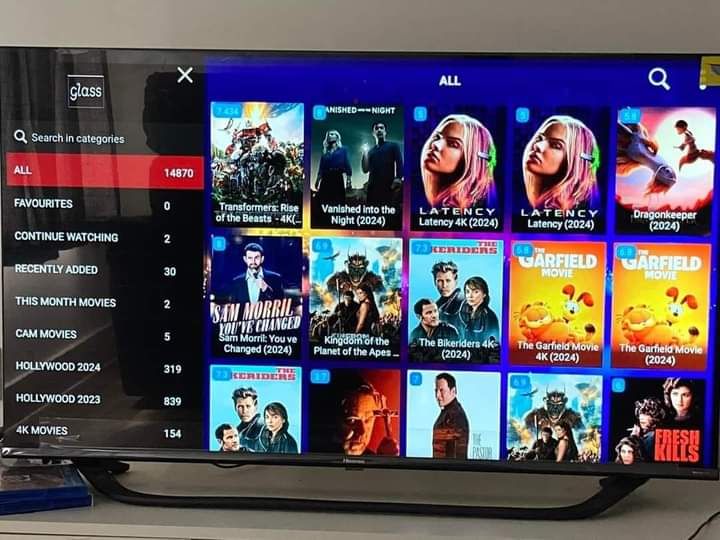
The VOD layout is tidy on Android TV. I like having series, catch-up and live channels in one place without switching between several apps.
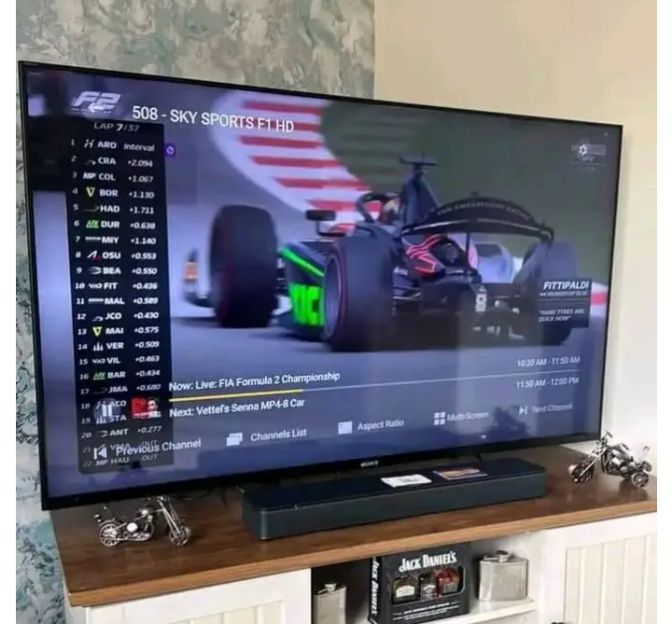
The plan comparison was straightforward. I asked about multiple screens and got a clear answer before paying.
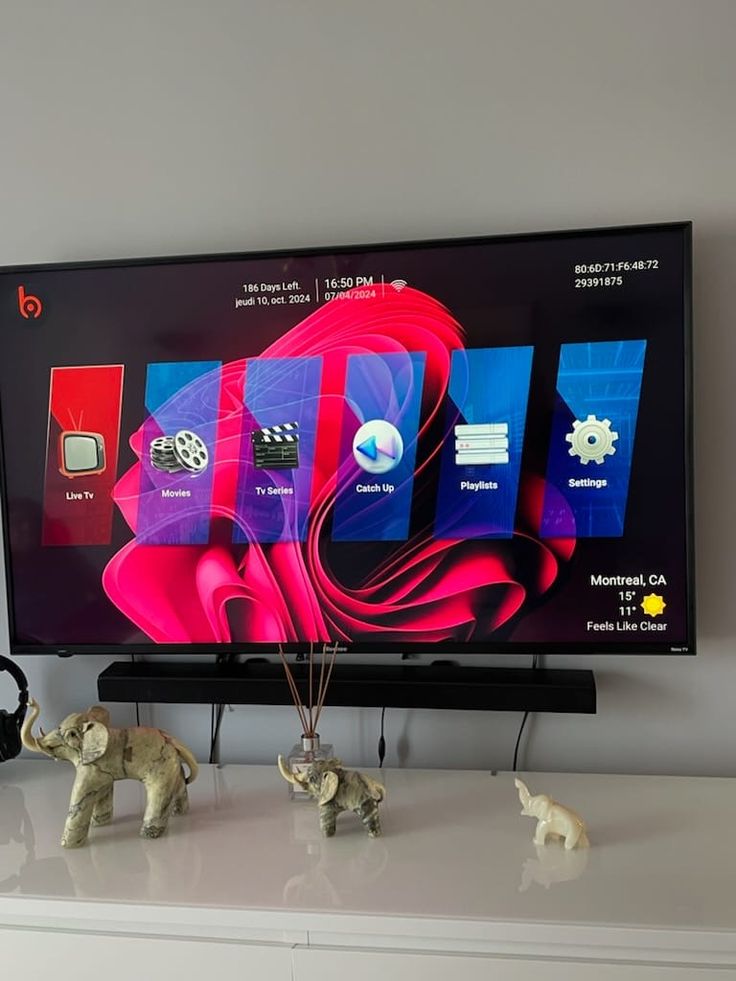
Support answered late in the evening and checked my app settings. That made the first setup much less stressful.
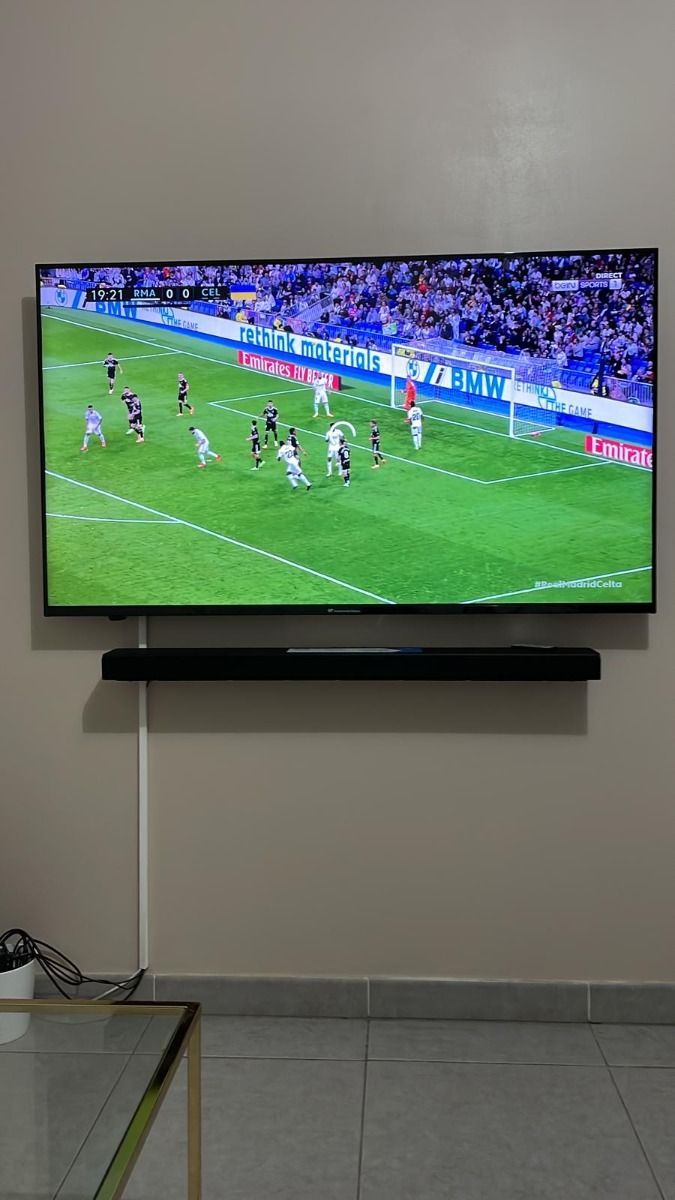
I use it on a Smart TV and a tablet. The advice about internet speed helped fix buffering that was actually caused by weak Wi-Fi.
The guide explained M3U and EPG in normal language. It was easier to understand what login details I needed.
WhatsApp Experiences
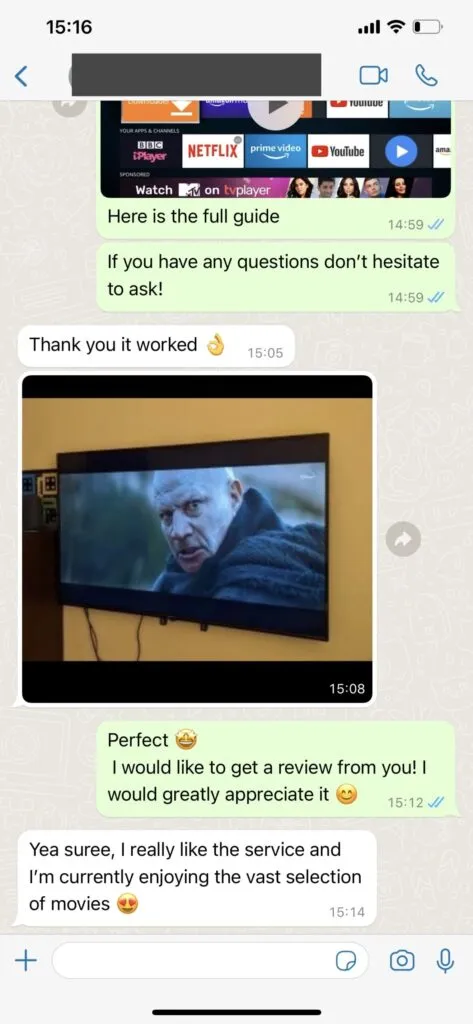
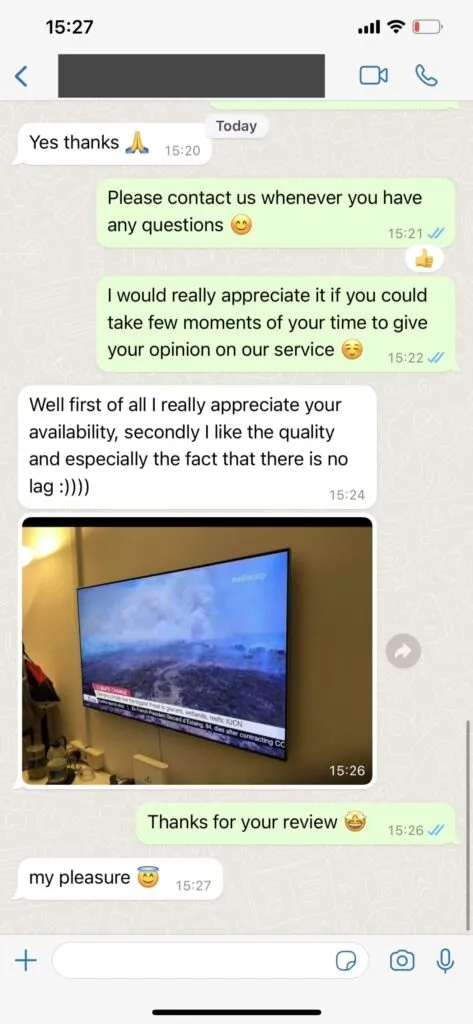
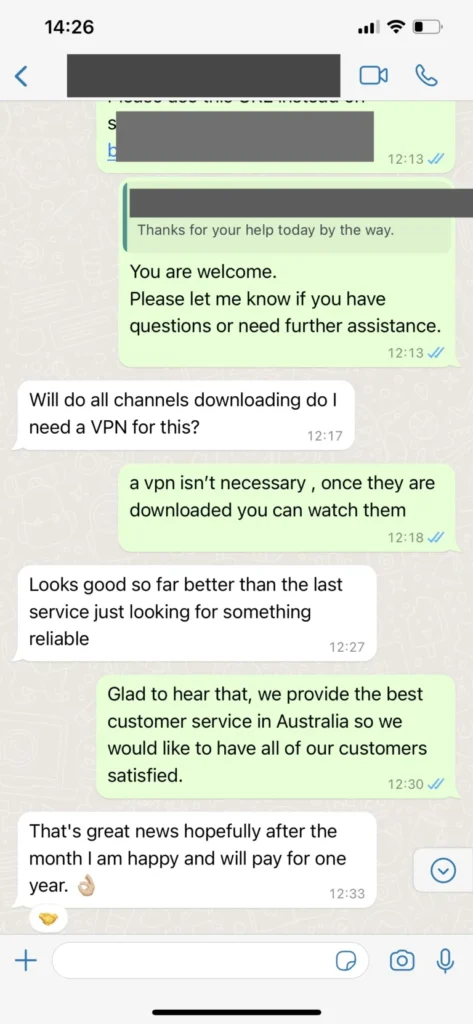
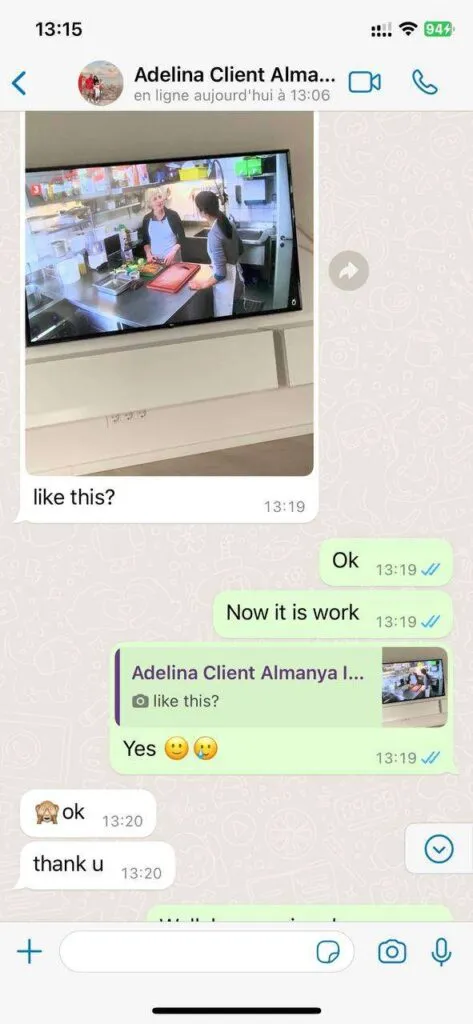
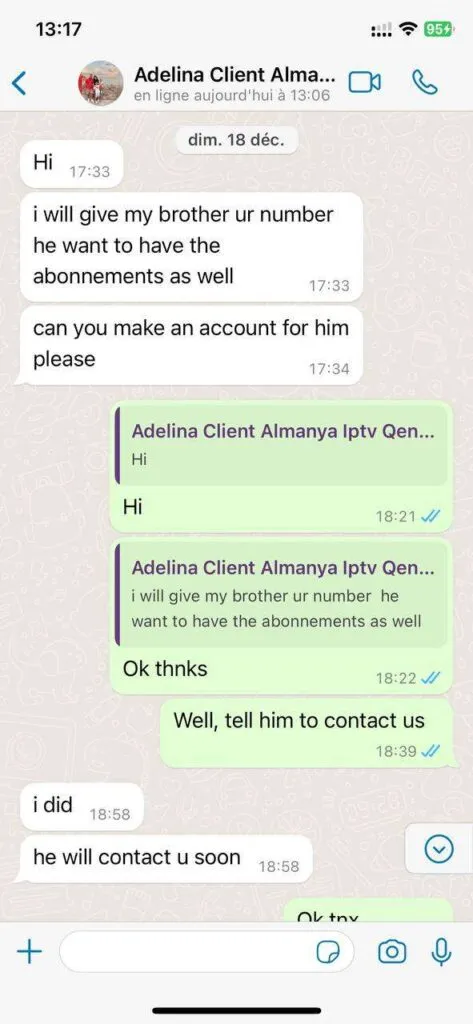
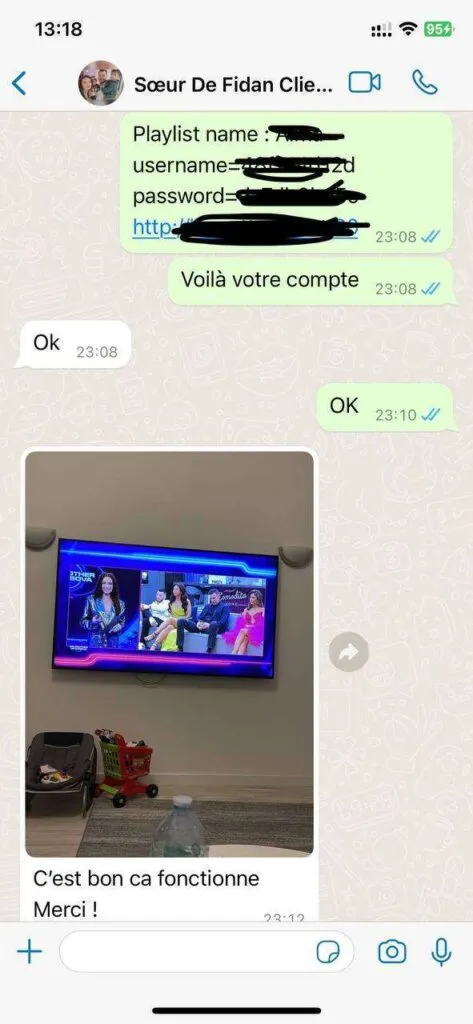
These local interface previews illustrate the direct support route for plan, setup and device questions without claiming to show verified customer messages.
Features
Live TV, sport, VOD, EPG and support are organised around practical UK viewing and compatible apps.
Categories keep a large IPTV list usable, so sport, news, films, family channels and international options are easier to find.
Films, series and replay-style viewing make the service useful beyond live schedules, especially for evening and weekend viewing.
Programme guide data helps viewers see what is on now and what is coming next when the chosen app supports EPG refreshes.
Smart TVs, Fire TV Stick, Android TV, phones, tablets, computers, MAG and Formuler-style devices can be discussed with support.
Every conversion CTA opens WhatsApp so users can ask questions before choosing a subscription or installing an app.
The 12-month plan is shown in GBP with per-day value and the +1 month offer attached only to the annual option.
Support can explain which login format is suitable for the app you choose and how to keep those details private.
Buffering, missing EPG, login mistakes and weak Wi-Fi can be checked step by step instead of guessed at random.
The site avoids pressure countdowns and keeps the user journey direct: compare, ask, order and install.
A useful IPTV service starts with the screen, app and internet connection you already have. IPTV Fiesta connects clear GBP pricing with device guidance, private login delivery and direct WhatsApp help, so the decision is based on your setup rather than a generic checkout.
The main plan cards show total cost and approximate daily value. The annual option includes the stated free month, while optional adult-channel access on shorter plans is described without inventing an undefined surcharge. Multi-screen plans are separated so simultaneous viewing is not confused with installing the app on several devices.
After ordering, keep the supplied portal URL, username, password or M3U address private. Refresh channels and EPG information inside a compatible app, create favourites for regular viewing and use the troubleshooting guide when weak Wi-Fi, app cache or device performance affects playback.
FAQ
Answers for login, discounts, devices, trials and support.
You can use IPTV Fiesta on Smart TVs, Fire TV Stick, Android TV boxes, phones, tablets, laptops, MAG, Formuler, Enigma2 and many apps that accept Xtream Codes or an M3U playlist.
Choose the plan you want, press the WhatsApp button, and send the prefilled message. Support will confirm availability, payment details and activation steps before you install the service.
The service is presented for live channels, sport, films, series, VOD, EPG and catch-up features. Content availability can change during updates or maintenance.
For HD viewing, a stable connection around 10 Mbps is a practical minimum. For 4K, 25 Mbps or more is preferred, especially on a main television.
Ask support on WhatsApp whether an IPTV Fiesta 48 hour test or trial style offer is currently available for your device and location.
Login details are sent by support after an order is confirmed. Keep the username, password, portal URL or M3U link private and do not post them publicly.
Yes. The annual plan already highlights value, but you can ask support whether an IPTV Fiesta discount code or seasonal offer is available when you order.